


Canva Cut Lines Notepad Printable | Notepad Template PDF | DIY Printable Notepad | Small Business Supplies | Digital Download
- Andrew Johnson (New York)


PRODUCT DETAILS
Make Your Own Notepads at Home
This clean, minimal cut-line notepad PDF template makes DIY notepad creation simple and fun — perfect for personal use, small businesses, Canva creators, and craft enthusiasts.
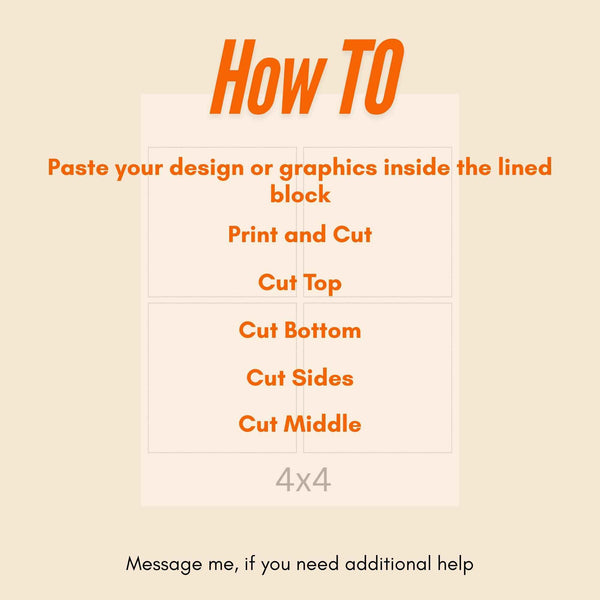
Simply open the PDF, layer your own design on top, print and cut. That's it!
What You'll Receive
- 1 PDF File — 4 pages, 4 sizes included
- 300 DPI — crisp and print-ready
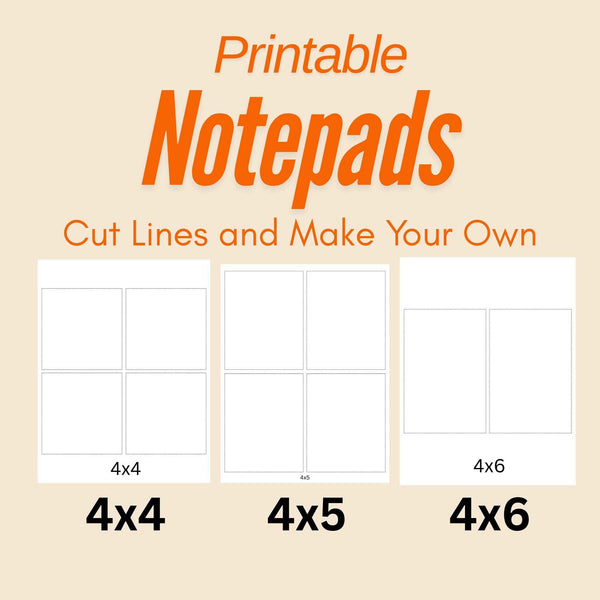
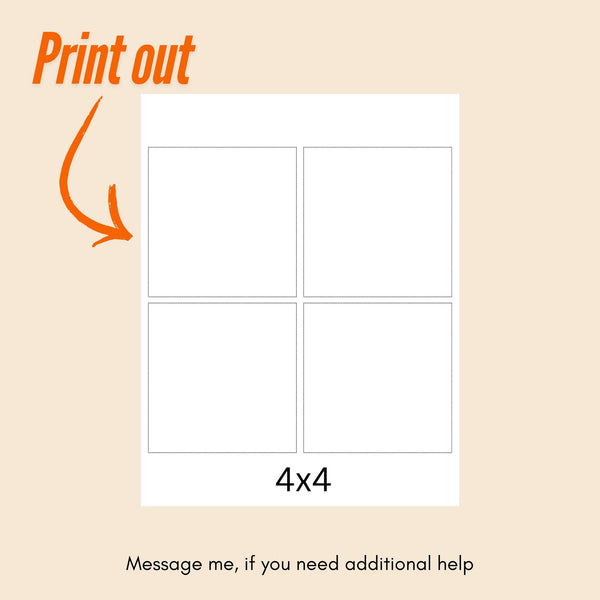
- 4 x 4 in — fits 4 per page (2x2 grid)
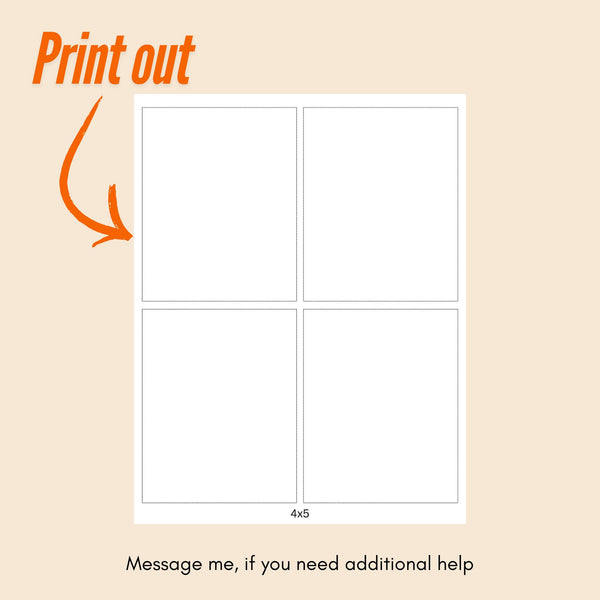
- 4 x 5 in — fits 4 per page (2x2 grid)
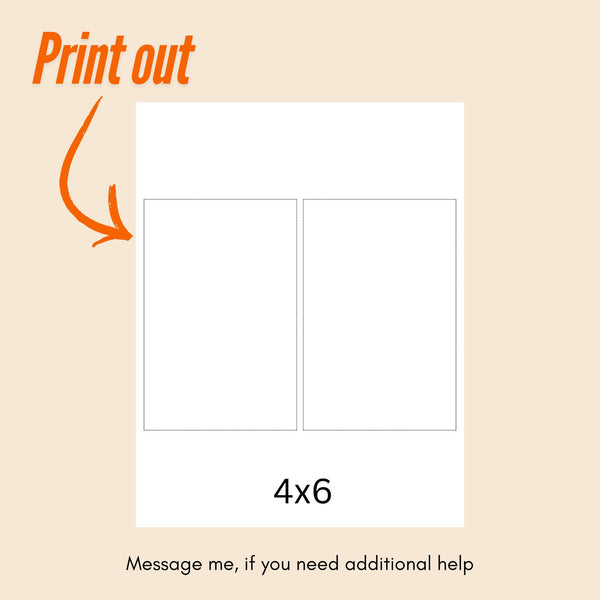
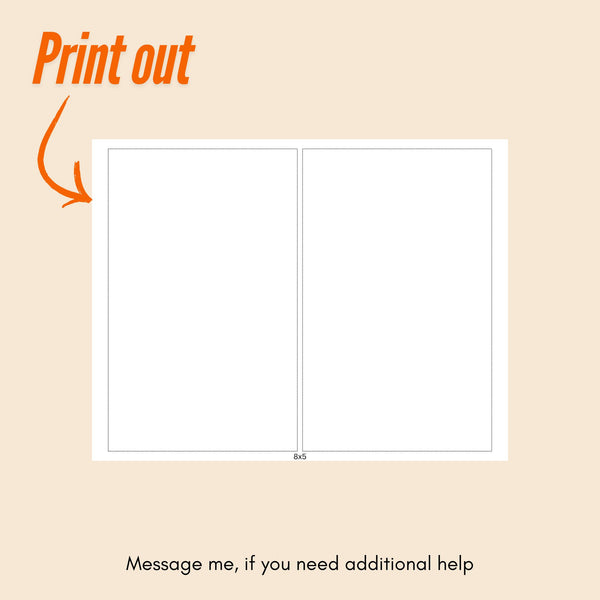
- 4 x 6 in — fits 2 per page (side by side)
- 8 x 5 in — fits 2 per page (stacked)
How To Use
Option A — PDF Program
Windows (Adobe Acrobat Reader):
- Download Adobe Acrobat Reader for free at adobe.com/acrobat/pdf-reader
- Open the cut-line PDF
- Insert your design as a layer on top
- Stretch your design to fill the full page
- File → Print → select Actual Size
- Set paper size to Letter (8.5 x 11 in)
- Print and cut along the dashed lines!
Mac (Preview):
- Open the cut-line PDF in Preview
- File → Print
- Set paper size to US Letter
- Set Scale to 100%
- Print and cut along the dashed lines!
⚠️ Always print at Actual Size / 100%. Never use Fit to Page — your cut lines won't be accurate!
Option B — Canva (Free)
- Go to canva.com in your browser
- Create new design → Custom size → 8.5 x 11 in
- Click Uploads → Upload the PDF file
- Select the page size you want to use
- Add it to your canvas
- Design underneath the cut-line layer
- Download as PDF Print
- Print at 100% Actual Size
- Cut along the dashed lines!
Cut & Assemble
- Cut along the dashed lines using scissors or a paper trimmer
- Stack your cut notepad pages together
- Apply notepad glue to the top edge
- Let dry — your notepad is ready!
💡 Tip: A paper trimmer gives much cleaner cuts than scissors!
Perfect For
- Daily planning & journaling
- School or work notes
- DIY craft projects
- Gifts
REVIEWS
REFUND POLICY
If you are facing an issue with your product please reach out to me within 24 hrs of your purchase stating your issues and I will help make it right for you!
For some orders it usually takes 1 hour to process the payment from your bank, so please wait for 1-hour if you still didn't get the files please email me and I will reply in less than 24 hrs.
The products are exactly as described in the product descriptions and advertised and I don't do additional custom work on the sheets to meet your requirements, so, please read the product descriptions, if the sheets are for you then feel free to order (I'm not responsible if you fail to do so).
We kindly remind you that in cases of refunds, we will have to review your request first and you are only allowed to request a refund for a maximum of one product if you purchase more than 1 product (This is a measure to prevent fraudulent purchase behavior) Please note that bundle offers are not counted as a single product.
If ever you're facing issues with your products, please feel free to reach out to me at support@evaexcels.com to state your concerns and reasons, and I will help!
RECOMMENDED PRODUCTS
RECENTLY VIEWED PRODUCTS
100% SATISFACTION GUARANTEEE
Having issues? Reach out to me for help!
FREE RETURNS
30-days free return policy.
SECURED PAYMENTS
We accept all credit cards.
24/7 HELP CENTER
Dedicated 24/7 support